Optimizely Web Experimentation CVE-2026-132224: Injected Script Incident and a Customer Checklist
Published November 25, 2026. A news analysis of the Optimizely Web Experimentation security incident and CVE-2026-132224, built from Optimizely’s incident page on its status site and its customer incident report (a two-page PDF, both read on November 25, 2026) and CISA’s Known Exploited Vulnerabilities (KEV) data as mirrored on CISA’s GitHub. Both screenshots are ours (pages of Optimizely’s customer incident report). CISA’s own website returned “Access Denied” to our automated browser, so the KEV facts come from CISA’s GitHub mirror. This article contains no affiliate links and we have no commercial relationship with Optimizely. ToolReviewHub is produced with the help of an AI assistant (Claude, made by Anthropic). We did not use Optimizely for this article. Descriptions are the vendors’ and CISA’s wording, and numbers marked “ours” are our own arithmetic.
Optimizely Web Experimentation CVE-2026-132224: the short version
- What happened: Optimizely says that on November 16, 2026 an unauthorized third party exploited a flaw in the account signup flow of Optimizely Web Experimentation, used it to impersonate users on targeted customer accounts, and inserted malicious JavaScript into those customers’ projects.
- Not a patch job: this is a flaw in a hosted service, and Optimizely says it closed it. The work for customers is to find out whether they were affected and whether their visitors’ payment details were at risk.
- The target: according to Optimizely’s report, the injected script was intended to obtain payment information and cryptocurrency activity, and it targeted card details typed into forms on the customer’s own site. Cards entered in hosted payment frames from providers such as Stripe or Adyen were not accessible.
- Scale: Optimizely says less than 5% of its customers were impacted and that no other Optimizely product was affected. It says this was not a credentials breach.
- KEV status: CISA added CVE-2026-132224 to the Known Exploited Vulnerabilities catalog on November 24, 2026, with a November 27 due date. CISA’s name for it is “external control of critical state data.”
What Web Experimentation is, and why the snippet matters
Optimizely Web Experimentation is a tool for running A/B tests on websites. A customer adds one line of JavaScript, the “snippet,” to their pages, and the snippet loads the experiment code from Optimizely’s servers and changes what visitors see. The advisory’s own advice refers to the script loaded from cdn.optimizely.com. That design is what makes the incident serious: code that is delivered from a vendor’s servers runs on every page where the snippet is installed, with the same access as the customer’s own scripts. We know this model from Optimizely’s report and general knowledge of how such tools work; we did not use the product.
Optimizely’s report says exposure was “through your website, not your network.” In other words, the harm happened in the browsers of visitors who loaded an affected page. Sites with a strong Content Security Policy (CSP), a browser rule that limits where scripts may send data, were protected, according to the report.
What happened, according to Optimizely
Optimizely’s status page and customer report describe the following. An unauthorized third party exploited a vulnerability in the account signup flow. The flaw let them act as administrator users without those users’ credentials, which Optimizely stresses is not the same as stealing passwords. Using that access, they inserted malicious JavaScript into the Project JavaScript of some customers’ projects, and that code was then delivered to visitors through the snippet.
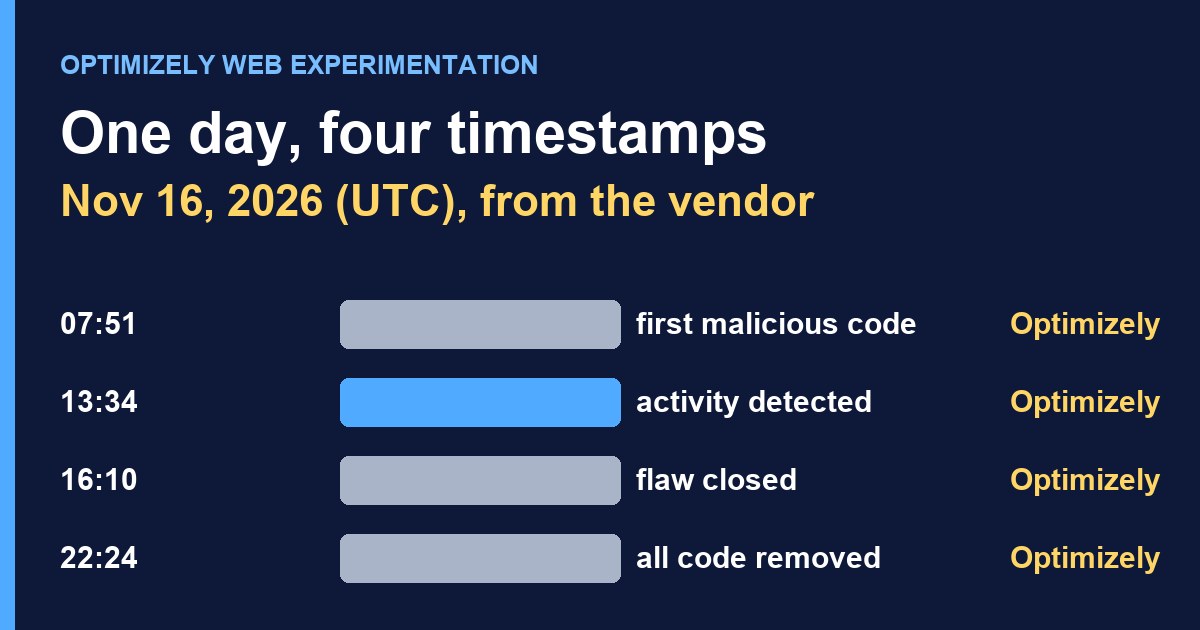
The report says that the first malicious code was written on November 16 at 07:51 UTC. Optimizely detected the activity at 13:34 UTC, closed the vulnerability at 16:10 UTC, and had removed the injected code from all affected projects by 22:24 UTC. It says delivery of the malicious code is now blocked, and that no malicious code remains in its systems. By our arithmetic, that is about 5 hours 43 minutes from first code to detection, 2 hours 36 minutes from detection to the fix, and a total exposure window of 14 hours 33 minutes. The status page says the vulnerability was closed within three hours of detection, which matches.
A note on wording: the status page entry from November 18 says that Optimizely contacted every Web Experimentation customer directly. The customer report says that not every customer was targeted, and that Optimizely confirmed directly with each customer whether they were affected. Customers who have not heard anything are told to contact their customer success manager.
What the injected script was after
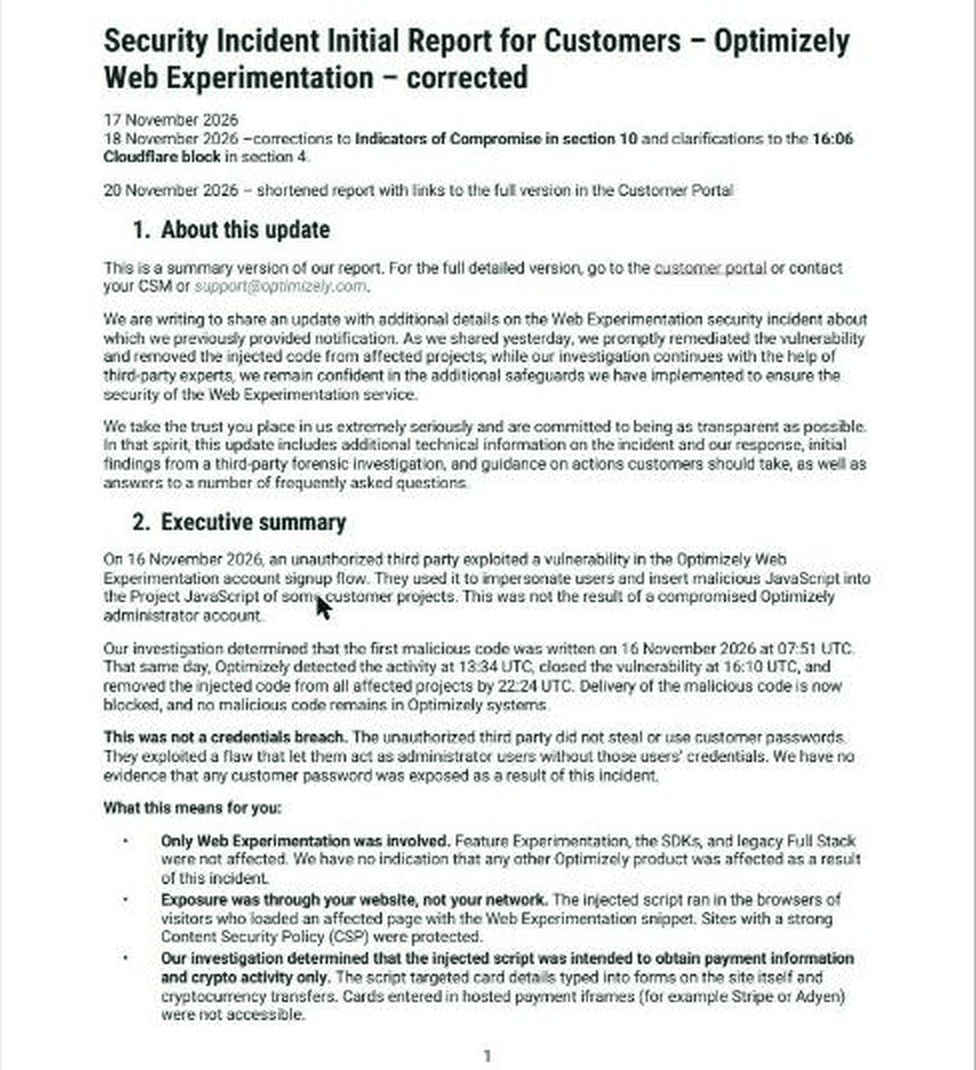
This is the part that matters for risk. Optimizely says its investigation found that the injected script was intended to obtain payment information and cryptocurrency activity only. The script targeted card details typed into forms on the site itself and cryptocurrency transfers. Cards entered in hosted payment frames, the embedded forms that payment providers such as Stripe or Adyen serve from their own domains, were not accessible to the script.
That is the pattern often called web skimming: code that runs on a checkout page and copies what the visitor types. The pattern is general, not something Optimizely names. What the report does tell us is which pages are high risk: pages that load the snippet and also have a card form or a crypto transfer on the page itself.
What Optimizely asks customers to do
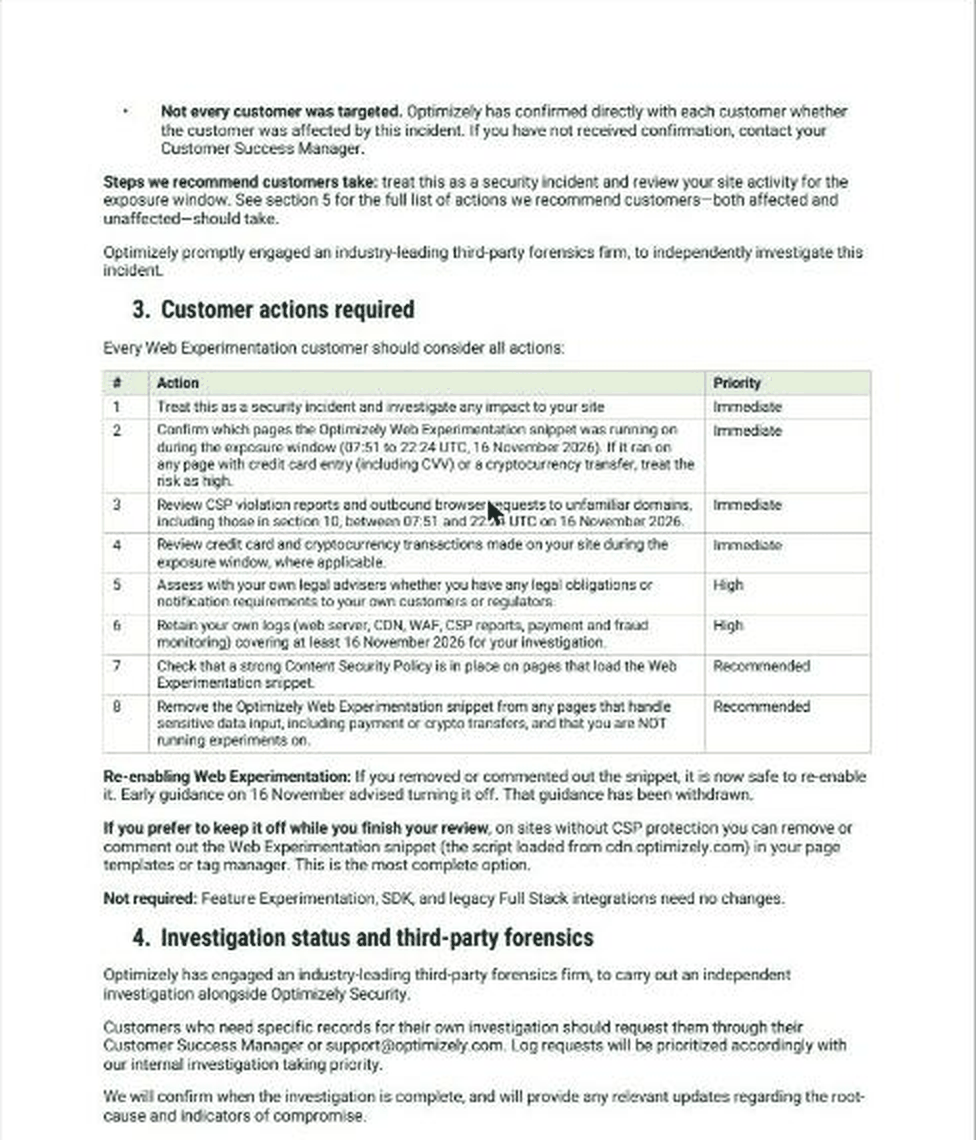
| # | Action (summarized) | Priority |
|---|---|---|
| 1 | Treat this as a security incident and look for any impact on your site | Immediate |
| 2 | Find which pages ran the snippet between 07:51 and 22:24 UTC on November 16; if a page had card entry or a crypto transfer, treat the risk as high | Immediate |
| 3 | Review CSP violation reports and browser requests to unfamiliar domains in that window | Immediate |
| 4 | Review card and cryptocurrency transactions made on your site in that window | Immediate |
| 5 | Ask your legal advisers whether you have notification duties | High |
| 6 | Keep logs (web server, CDN, WAF, CSP reports, payment and fraud monitoring) covering at least November 16 | High |
| 7 | Check that a strong CSP is in place on pages that load the snippet | Recommended |
| 8 | Remove the snippet from pages that handle sensitive input where you are not running experiments | Recommended |
The report also says that guidance of November 16, which advised turning the snippet off, has been withdrawn, and that it is now safe to re-enable the snippet if you removed it. If you prefer to keep it off during your review, it says that removing or commenting out the snippet is the most complete option. Feature Experimentation, the SDKs and legacy Full Stack integrations need no changes. The report says a third-party forensics firm is investigating, and that Optimizely will confirm when the investigation is complete and provide updates on the root cause and indicators of compromise.
Timeline
| Date and time (UTC, 2026) | Event | Source |
|---|---|---|
| November 16, 07:51 | First malicious code written | Optimizely report |
| November 16, 13:34 | Optimizely detects the activity | Optimizely report |
| November 16, 16:10 | Vulnerability closed | Optimizely report |
| November 16, 22:24 | Injected code removed from all affected projects | Optimizely report |
| November 17, 01:02 | Status page posts that an incident was identified and fixed | Optimizely status page |
| November 18, 14:49 | Status page update: not a credentials breach; less than 5% of customers impacted | Optimizely status page |
| November 24 | CISA adds CVE-2026-132224 to the KEV catalog | CISA KEV data |
| November 27 | KEV due date for U.S. federal civilian agencies | CISA KEV data |
The customer report went through updates: it is dated November 17, was corrected on November 18 (indicators of compromise and the description of a Cloudflare block), and shortened on November 20 with links to a fuller version in Optimizely’s customer portal. We read the short version. The KEV listing came eight days after the incident (ours), with the three-day deadline described in our November KEV analysis. Because the fix is on Optimizely’s side, the deadline is mostly a reminder to agencies that use the service to do their own review.
What to do: a practical checklist
- Find out whether you use Web Experimentation, including on forgotten microsites and by marketing teams that added the snippet without telling IT.
- Check for Optimizely’s confirmation. If you did not get a direct message, contact your customer success manager or Optimizely support, as the report says.
- List the pages that loaded the snippet on November 16 between 07:51 and 22:24 UTC, and mark any with card entry, a crypto transfer or another payment form.
- Review CSP violation reports and outbound requests to domains you do not recognize for that window, and keep the logs.
- Check card and crypto transactions from those pages for fraud or disputes, and talk to your payment provider.
- Ask your legal advisers about notification if visitors’ payment data may have been exposed.
- Tighten your Content Security Policy on pages that load third-party scripts, and consider removing the snippet from checkout and payment pages where you are not testing.
What we could not confirm
- The technical root cause of the signup-flow flaw: Optimizely does not describe it, and the forensic investigation is ongoing.
- Which customers were affected, and whether any visitor’s payment data was actually captured: Optimizely says only that less than 5% of customers were impacted.
- Who is behind the activity.
- The indicators of compromise: the full list is in the customer portal, and we read only the public short version.
- The exact text of the CVE record: the KEV entry links Optimizely’s pages, and we did not read the NVD description.
- CISA’s own catalog page, which we could not open; the KEV facts come from CISA’s GitHub mirror (catalog version 2026.11.24).
Frequently asked questions
What is CVE-2026-132224?
The identifier that CISA’s catalog lists for the Optimizely Web Experimentation flaw, which it labels external control of critical state data. Optimizely describes a flaw in the account signup flow that let an attacker impersonate users and insert JavaScript into customer projects.
Do I need to patch anything?
Optimizely says it closed the vulnerability on November 16 and removed the injected code. Customers should investigate their own exposure and follow the actions in the vendor’s report.
Was my customers’ payment data stolen?
Optimizely says the script was meant to capture card details typed into forms on the site and crypto activity, but not data entered in hosted payment frames. We cannot tell whether any data was captured. Check your own logs and payment provider.
Is it safe to turn the snippet back on?
Optimizely says it is now safe to re-enable the snippet and that the earlier advice to turn it off was withdrawn. If you prefer, you can keep it off during your review.
What is the KEV deadline?
November 27, 2026 for U.S. federal civilian agencies. For everyone else it signals urgency and is not a legal deadline.
Method: details come from Optimizely’s status-page incident entry, its customer incident report (dated November 17, 2026, corrected November 18, shortened November 20) and CISA KEV data (catalog version 2026.11.24), read on November 25, 2026. For how we research, see How We Review Tools.