rdp.monster Review 2026: Features, Pricing, Pros & Cons
rdp.monster sells Windows RDP, Linux VPS and dedicated server hosting with instant delivery and full administrator access, and…
Disclosure: the Elementor links on this page are affiliate links. If you buy through them we may earn a commission at no extra cost to you. It does not change our verdict; see our affiliate disclosure.
Quick verdict: Elementor is the most widely used visual page builder for WordPress, and it earns the position: a drag-and-drop editor, a large kit and template library, a Theme Builder for headers, footers and archives, and a lot of built-in tools. The owner of ToolReviewHub has used it on many of their own websites and rates the design quality and the number of genuinely useful tools very highly. The trade-offs are yearly renewals, support that some users find slow, and the page weight any builder adds. Try Elementor and start with the free plugin to see whether the editor suits you.
Elementor is a WordPress plugin that replaces the standard editor with a visual canvas. You place widgets such as headings, images, forms, sliders and pricing tables on the page, style them in a side panel and see the result live. A free version covers the core editor. Paid plans add Pro widgets, the Theme Builder, a form and popup builder, dynamic content, custom code and eCommerce tools, and the newer Elementor One bundle adds AI generation, image optimisation, accessibility, cookie consent, email deliverability and site management.
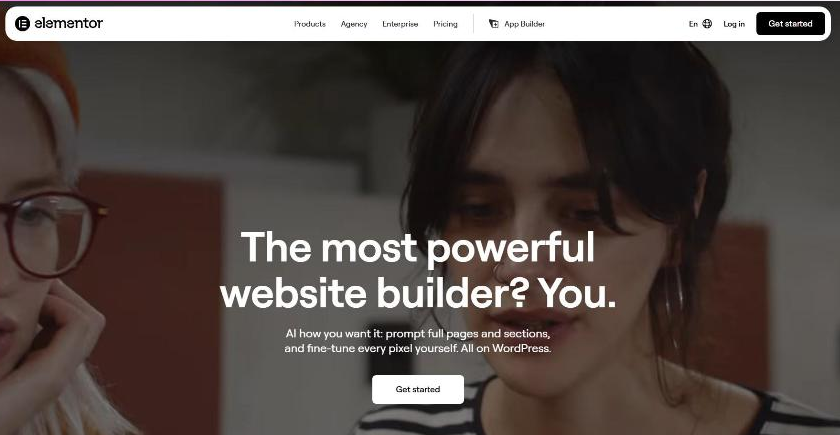
The homepage pitches AI-assisted creation (prompting full pages and sections) alongside pixel-level control, all on WordPress. It also claims 22 million websites built and 13% of sites worldwide; those are Elementor's own figures.
The owner of ToolReviewHub has built many sites with Elementor and summarises the experience like this: the templates and finished designs look polished and professional, the number of built-in widgets and utilities is large and actually helps users get things done, and it speeds up building pages for people who are not developers. This is the owner's first-hand experience across their own sites rather than a lab test, and results depend on your hosting, theme and the add-ons you stack.
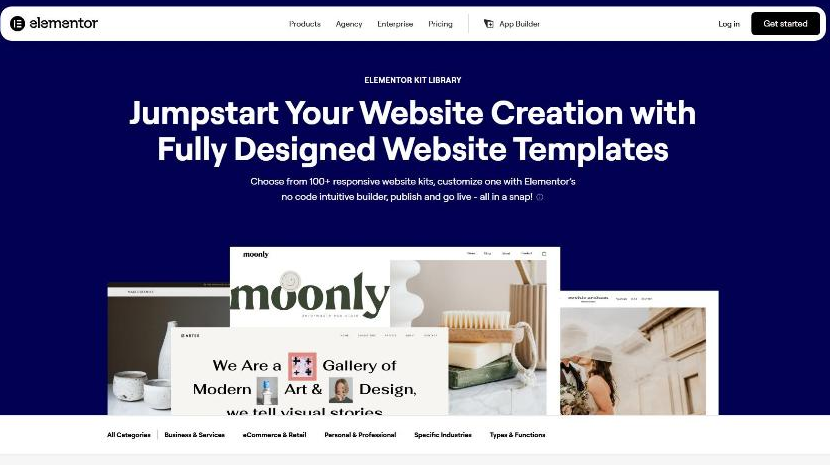
The library page advertises more than 100 responsive website kits that you import and customise in the builder, grouped into Business & Services, eCommerce & Retail, Personal & Professional, Specific Industries and Types & Functions.
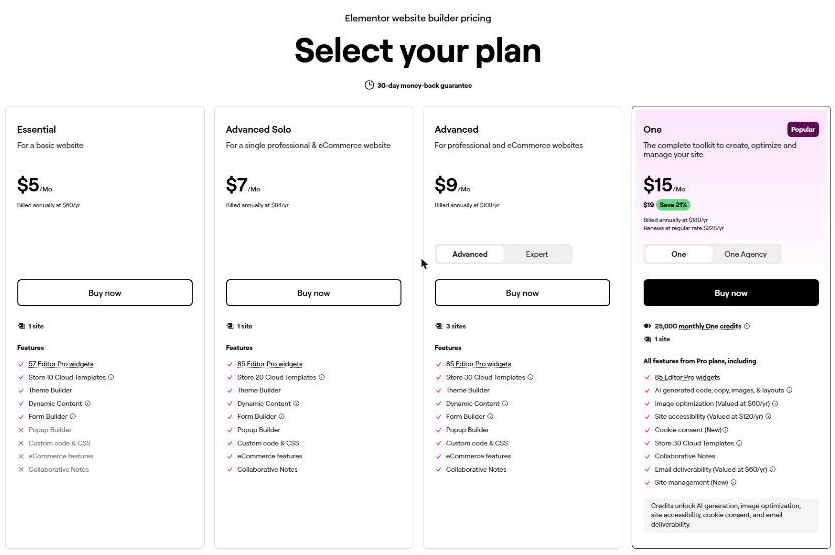
Elementor sells annual subscriptions by number of sites. On November 3, 2026 the official page listed:
| Plan | Sites | Billed annually | Highlights |
|---|---|---|---|
| Essential | 1 | $60/yr ($5/mo) | 57 Pro widgets, Theme Builder, dynamic content, forms; no popups, custom code or eCommerce |
| Advanced Solo | 1 | $84/yr ($7/mo) | 85 Pro widgets, popups, custom code and CSS, eCommerce, collaborative notes |
| Advanced | 3 | $108/yr ($9/mo) | Same features as Advanced Solo, 30 cloud templates |
| Expert | 25 | $204/yr ($17/mo) | Same features, 5,000 cloud templates, aimed at freelancers |
| One | 1 | $180/yr ($15/mo), renews at $228/yr | Everything in Pro plus 25,000 monthly credits for AI, image optimisation, accessibility, cookie consent, email deliverability and site management |
| One Agency | Unlimited | $432/yr ($36/mo), renews at $540/yr | 350,000 monthly credits and 50,000 cloud templates |
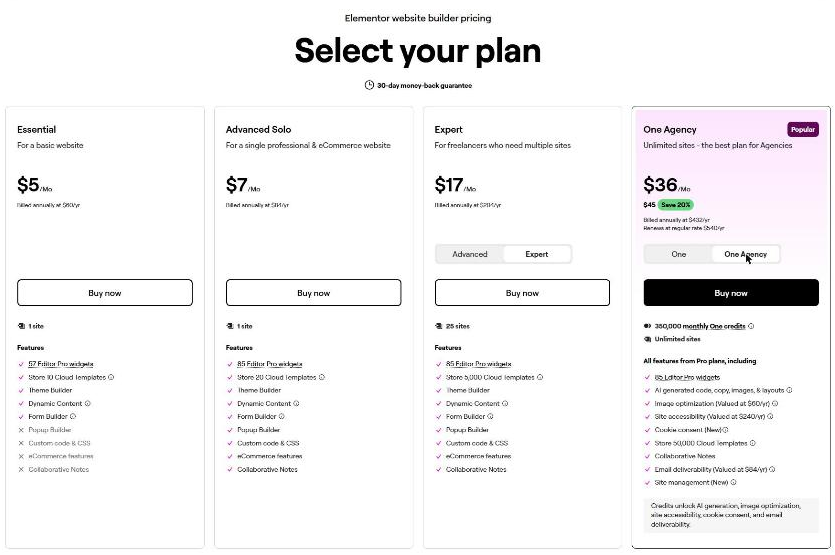
This section summarises public feedback from third-party sites as of November 3, 2026, separate from the owner's own experience above. Scores and counts change.
Sources: Capterra, G2, CheckThat summary.
Common alternatives are the native WordPress block editor (free and the lightest option), Divi, Beaver Builder and Bricks. Compare them on price per site, performance on your host, template quality and how locked in you would be if you switched later, since removing a builder can leave shortcodes behind.
The core plugin is free. Pro features such as the Theme Builder, popups, forms and eCommerce tools need a paid plan.
According to the official page, Essential is $60 a year for one site, Advanced Solo $84, Advanced $108 for three sites and Expert $204 for 25 sites, all billed annually. Prices can change, so confirm at checkout.
Any page builder adds some weight. The impact depends on hosting, theme, the number of widgets and caching, so test your own pages with a speed tool before and after.
Yes, 30 days, but Elementor's page says it applies only to annual plans.
No. The block editor is enough for many sites. Elementor makes sense when you want full visual control of headers, footers and landing pages without code.
If you build WordPress sites and want a polished design without hand-coding, Elementor is one of the safest choices: easy to learn, rich in templates and tools, and backed by a huge community. Go in knowing that Pro is a yearly subscription, test your page speed and read the renewal terms. Get started with Elementor.
Method: the owner's first-hand use across many sites, Elementor's official pricing, homepage and template-library pages read on November 3, 2026, and third-party reviews. Prices change, so confirm them on the official site.
rdp.monster sells Windows RDP, Linux VPS and dedicated server hosting with instant delivery and full administrator access, and…
Scala Hosting is a web hosting company known for managed cloud VPS and its in-house SPanel control panel,…
123 Reg is a UK web hosting provider that stores website files on servers so they can be…
Customer Reviews
No reader reviews yet — be the first to share your experience.