Hash Hedge Review 2026: Features, Pricing, Pros & Cons
Hash Hedge is a crypto and RWA prop trading firm that sells paid challenges, with funded accounts of…
Hands-on: The ToolReviewHub team has used the SafePal S1 ourselves. Specifications, prices and policies below come from SafePal’s official store page on the date shown, so confirm them before you buy.
Disclosure: the SafePal links on this page are affiliate (referral) links. If you buy through them we may earn a commission at no extra cost to you. It does not change our review; see our affiliate disclosure.
Risk warning: A hardware wallet protects private keys, not the value of your crypto, which can fall to zero. If you lose your recovery phrase you lose your funds, and no company can restore them. Buy only from SafePal’s official store or authorized resellers, and never type your recovery phrase into a website or app. This review is general information, not financial advice.
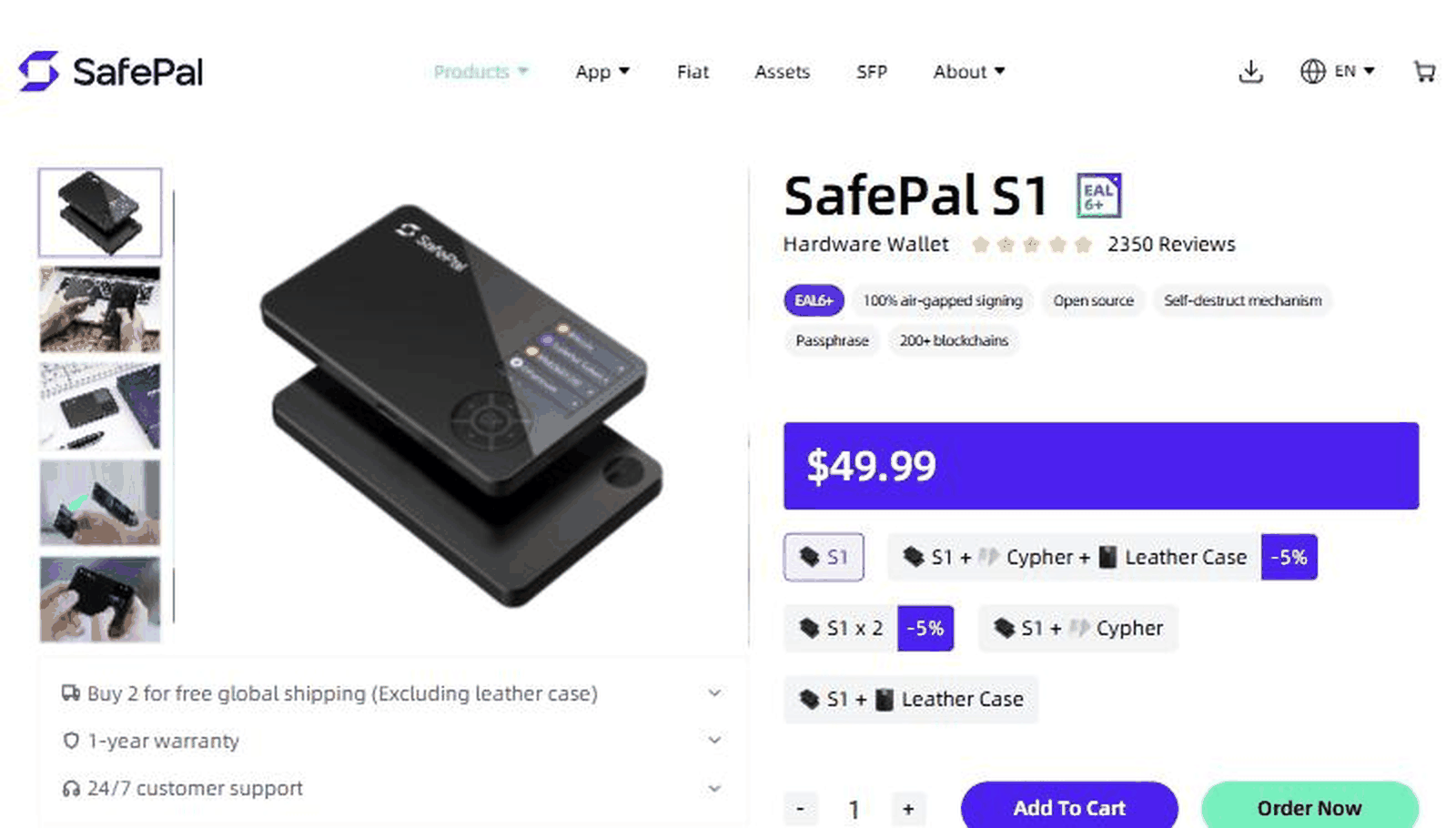
The SafePal S1 is a small hardware wallet, “only the size of a credit card” according to SafePal, that keeps your private keys on a dedicated device instead of on a phone or computer connected to the internet. The store page labels it “100% air-gapped”: the device has no NFC, no Wi-Fi, no Bluetooth and no USB data connection, and instead talks to the SafePal app through QR codes. You build a transaction in the app, scan the QR code with the S1’s camera, check and approve it on the device, and scan the signed QR code back into the app, which broadcasts it.
The box contains the S1, a cleaning cloth, 3 mnemonic phrase cards, a user manual, a download-app card, 2 stickers and a USB cable.
The same page compares the S1 with the X1. The S1 connects by QR code only, has the 1.3 inch color screen at 320 by 320, a D-pad, ABS and PVC materials and a 400mAh battery. The X1 connects by Bluetooth, has a 1.8 inch single-color screen at 128 by 64, 12 buttons plus a D-pad, ABS with tempered glass and a 200mAh battery. Our arithmetic: the S1’s screen has 102,400 pixels against 8,192 for the X1, about 12.5 times as many, and twice the battery capacity. If you want no wireless radio at all, the S1 is the one that matches that goal.
The design choices match what security-minded users look for: an offline signer, a certified secure element, partly open-source code and no wireless interfaces. We cannot audit the firmware ourselves, and a store page is not an independent security review. The practical risks are mostly human: fake or tampered devices from unofficial sellers, phishing sites that ask for your recovery phrase, and losing the phrase cards. SafePal lists official purchasing channels in more than 40 countries; use them, and check the packaging and device on arrival.
One more thing to know: the S1 is the older, lower-priced model in the lineup. The store page shows an X1 and an S1 Pro as alternatives, and some users in the store’s own comment section ask about newer models. Compare the options before buying.
No. SafePal says it has no NFC, Wi-Fi, Bluetooth or USB data connection and signs through QR codes.
$49.99 on SafePal’s official store when we checked, with a 5 percent discount on a two-unit bundle.
SafePal says the essential code for private key generation and other important features is open source. We did not review the code.
Only with your recovery phrase. If the phrase is lost as well, nobody can restore access.
For $49.99 the SafePal S1 offers an unusually strict security design, with air-gapped QR signing, a certified secure chip, a color screen and broad blockchain support. The trade-offs are slower scanning, partial open-source claims that we cannot verify, and an aging model. If you want an offline signer at a low price and will manage your recovery phrase carefully, look at the SafePal S1. Always verify prices and specifications on the official store.
Compare more wallets and exchanges in our Cryptocurrency category, and read our Ledger review. General information, not financial advice.
Hash Hedge is a crypto and RWA prop trading firm that sells paid challenges, with funded accounts of…
Axiom is a web-based Solana trading platform and wallet with limit orders, wallet tracking, a tweet monitor and…
Trezor makes open-source hardware wallets that store your crypto private keys offline, with the Trezor Suite app for…
Customer Reviews
No reader reviews yet — be the first to share your experience.